 Гигамозг

 GPT Image 2.6
 Seedream 5
 Создать видео
 Seedance 2.5
 Veo 3.1
 Sora 2
 Музыка Suno
 Озвучка
 Чат с ИИ
 Презентации
 Помощники
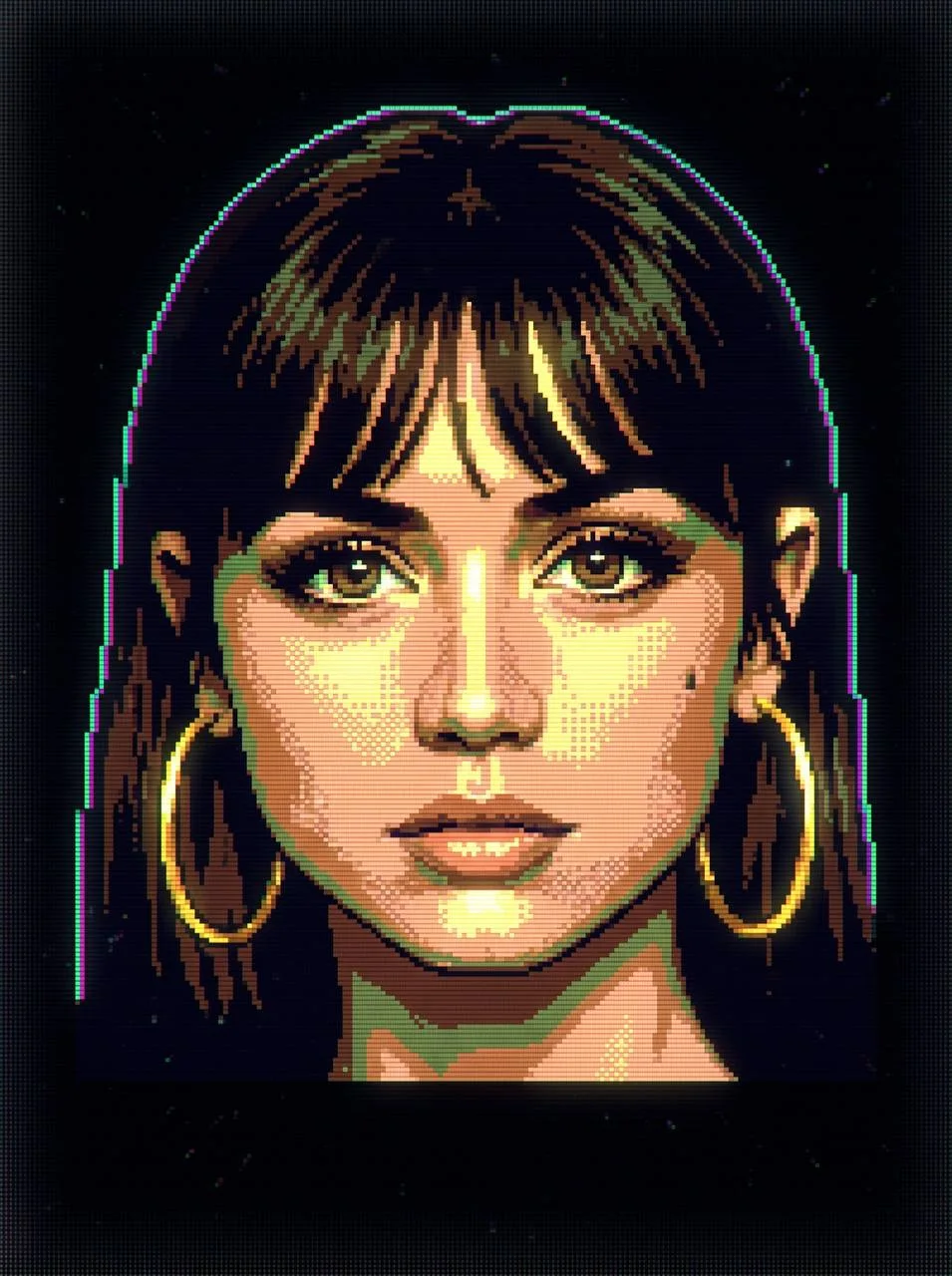
Пиксель-арт портрет в стиле компьютерной графики 90-х
 Nano Banana 2.1По текстуФормат 3:4
1. Проверьте промптПоменяйте детали по желанию
2. Нажмите «Создать»Цена — на кнопке
3. ГотовоФото — в «Моих генерациях»
Промпт
Create an image inspired by 1980s-1990s digital graphics, as if it were produced on early systems like MS-DOS, Windows 3.1. Break down all visual elements into simple, blocky, pixel-based shapes, using a limited palette of 4-16 vibrant colors. Replace complex gradients with flat colors or basic two-tone transitions. The image should feature visible pixel structure, including an RGB subpixel grid, horizontal scanlines, slight chromatic fringing on edges, and soft glow around brighter areas. Use a 100% black background with subtle digital noise. Colors should appear self-illuminated, with gentle light bloom and slight color bleeding into darker regions. Add light surface artifacts such as moiré patterns and floating dust. Keep the composition centered, with the main subject filling around 60-70% of the frame. Emphasize the pixel grid with sharp detail, while applying a subtle vignette that darkens the edges. The overall look should feel like authentic early computer graphics - chunky, low-resolution, and unrefined. Avoid any modern rendering or references to physical screens or devices; the image should exist as a purely digital object floating in darkness.
О шаблоне
Ваш портрет превратится в цифровую графику на чёрном фоне: крупные пиксели, яркая ограниченная палитра, линии экрана и лёгкое свечение напомнят ранние компьютеры 80-х и 90-х.
Вопросы
Сколько стоит?
Как обычная генерация в Nano Banana 2.1 на нашем сайте — точная цена показана на кнопке перед запуском. Если нейросеть не справилась, нейроны вернутся автоматически.
Нужно ли своё фото?
Нет, картинка создаётся по тексту. Своё фото можно добавить как образец.
Можно изменить промпт?
Да. Промпт подставится в поле генератора — поменяйте одежду, фон, надпись или цвет.
Где найти результат?
В разделе «Мои генерации»: оттуда можно скачать фото или сделать ещё вариант.
Похожие шаблоны
Все «Ретро и СССР» →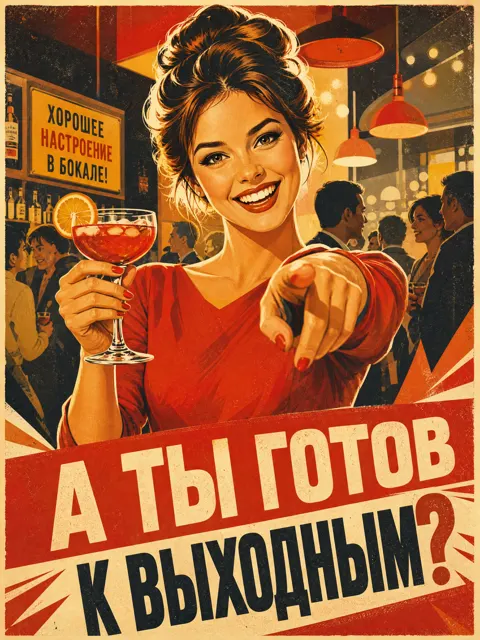 По текстуХитСоветский рекламный плакат 60-х про выходныеGPT Image 2.6 · 87 раз
 С вашим фотоХитПин-ап осень: умная женщина, спокойные приказыGPT Image 2.6 · 86 раз
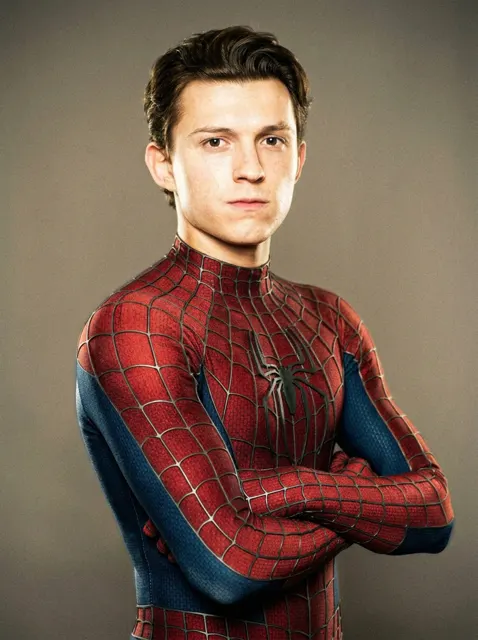 С вашим фотоХитЧеловек-паук Тоби Магуайра фотосессияNano Banana 2.1 · 60 раз
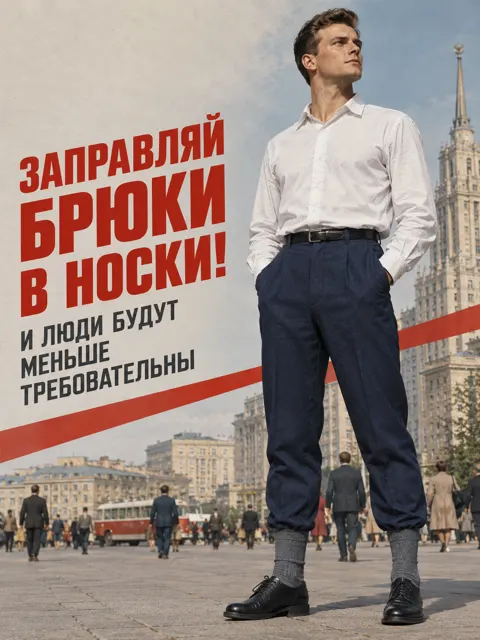 По текстуХитСоветский ретро-плакат с мужчиной и городомGPT Image 2.6 · 48 раз
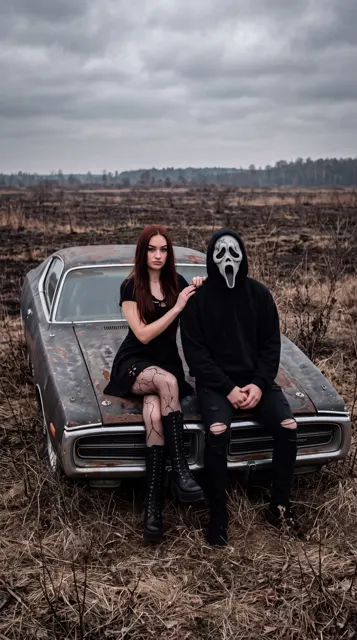 С вашим фотоХитПара в готическом стиле у ретро-автоNano Banana 2.1 · 45 раз
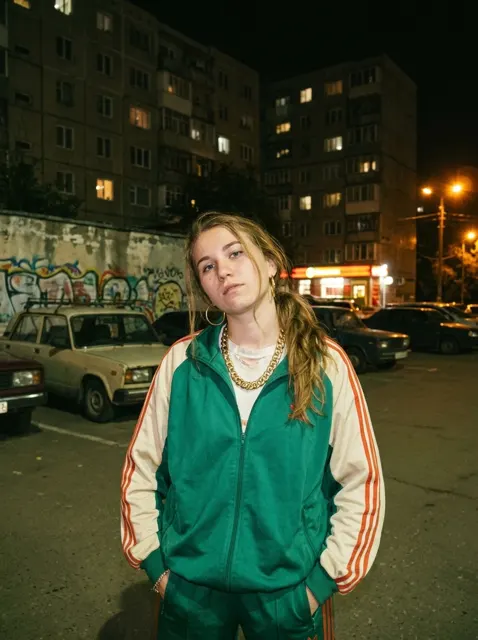 С вашим фотоХитФотосессия девушки в стиле 90-х у панельного домаNano Banana 2.1 · 42 раз
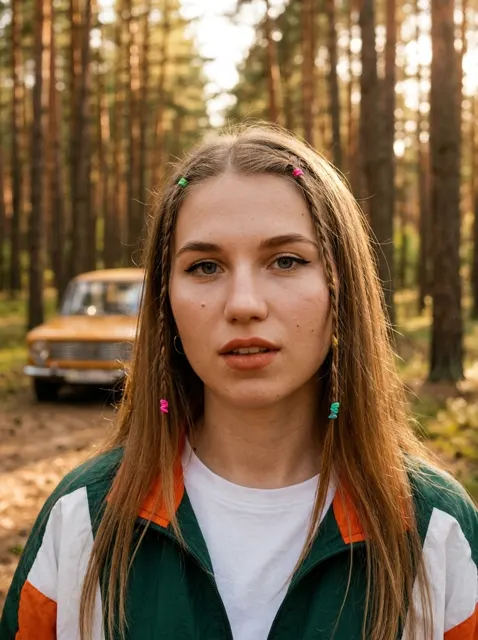 С вашим фотоХитПортрет девушки в стиле 90-х в сосновом лесуNano Banana 2.1 · 40 раз
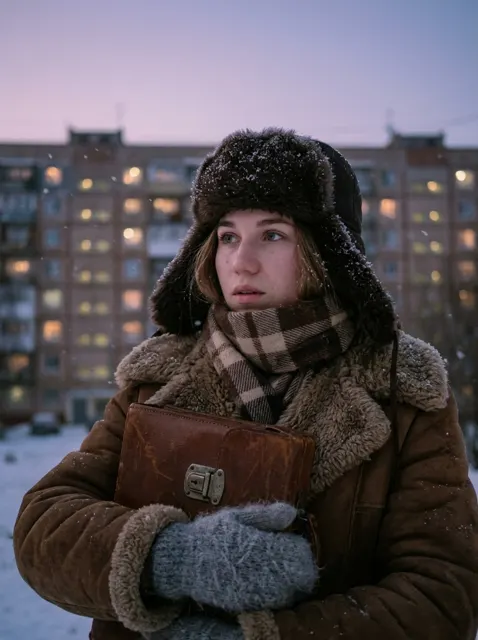 С вашим фотоХитЗимний портрет девушки у панелькиNano Banana 2.1 · 37 раз
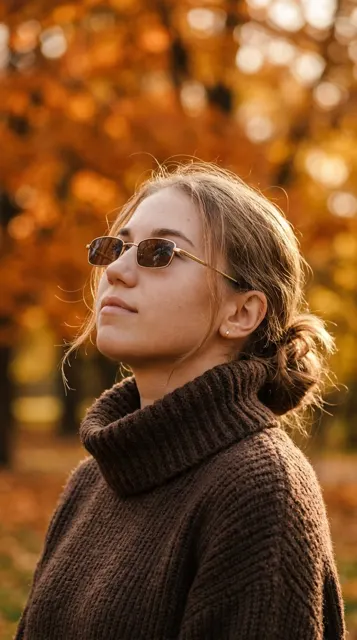 С вашим фотоХитОсенняя фотосессия в парке в золотых очкахNano Banana 2.1 · 37 раз
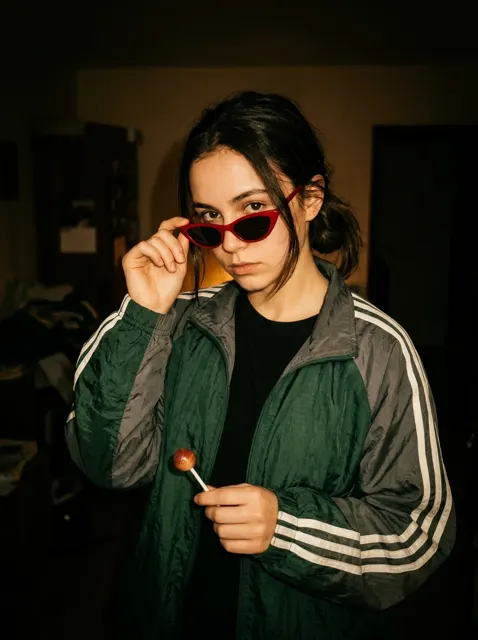 С вашим фотоХитРетро-портрет в стиле 90-х с красными очкамиNano Banana 2.1 · 36 раз